How to pack electronics for moving: a complete guide
How to pack electronics safely for moving
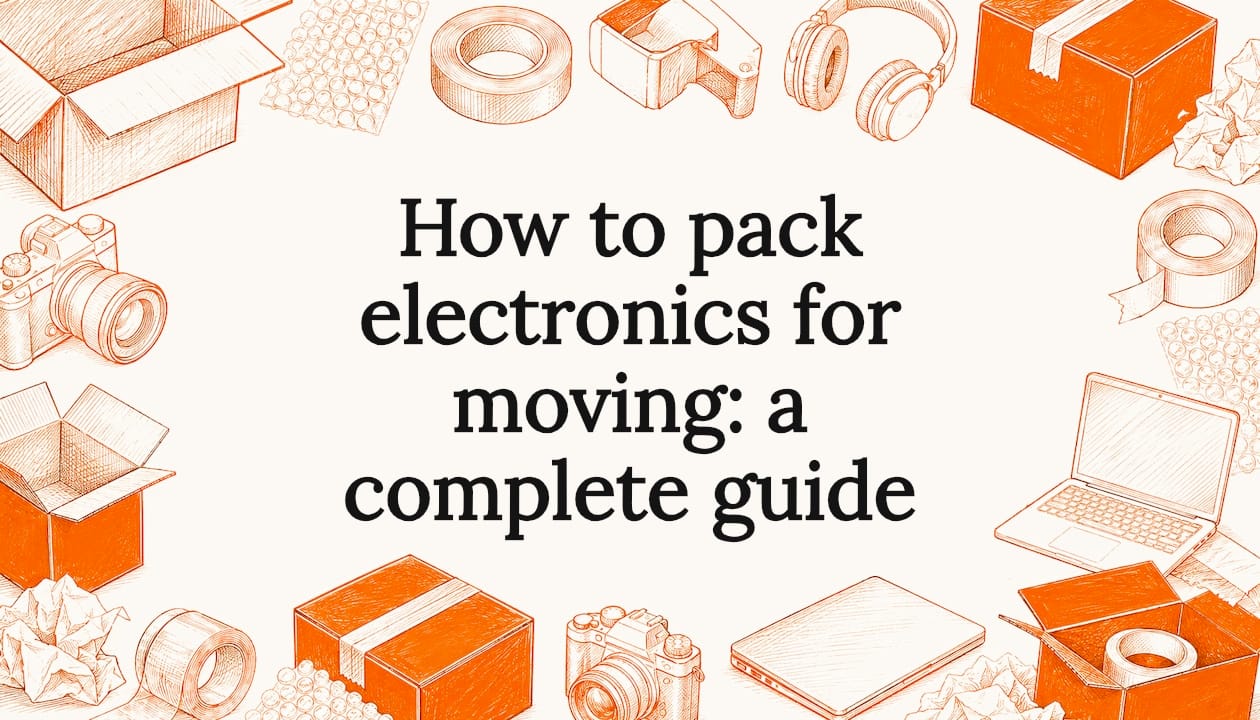
The safest way to pack electronics for moving comes down to six non-negotiable steps: remove batteries, organise cables, clear loose media, wrap devices individually, box them with adequate padding, and label everything clearly. Skip any one of these and you risk damage that is often irreparable and always expensive.
Here is the core checklist before you pack a single box:
- Remove all batteries from remotes and portable devices. Battery leakage typically causes damage that cannot be repaired at a reasonable cost.
- Organise cables and remotes into labelled resealable bags, one bag per device.
- Eject all loose media including discs, memory cards, and USB drives before packing.
- Wrap large and fragile electronics in anti-static bubble wrap, never standard bubble wrap or newspaper.
- Use sturdy, double-walled boxes with at least 10cm of padding clearance on all sides.
- Seal and label every box with “FRAGILE” and directional arrows showing which side faces up.
Step-by-step packing process for your devices
Step 1: Back up your data. Before unplugging anything, back up all important files. The gold standard is the 3-2-1 backup rule: keep three copies of your data, on two different types of media, with one copy stored off-site or in cloud storage. Test the backup before you pack the original device.
Step 2: Photograph and label every cable connection. Take photos of the back of each device before disconnecting anything. As you remove each cable, stick a coloured label on both ends and note which device it belongs to. This saves real time during reassembly.

Step 3: Eject media and secure drives. Eject all discs from consoles, computers, and DVD players, then tape the drive trays closed. Remove toner cartridges from laser printers and seal them in a dust-proof plastic bag.
Step 4: Wrap each device individually. Use anti-static bubble wrap for computers, consoles, and any device with a circuit board. Two full layers is the minimum. For screens, place a layer of acid-free tissue directly against the display before wrapping.
Step 5: Box with proper clearance. Place each wrapped device into a double-walled box that allows sufficient padding on every side. Fill all gaps with foam, packing peanuts, or crumpled packing paper so the device cannot shift.
Step 6: Seal and label clearly. Close the box, tape all seams, and write the contents, room destination, and “FRAGILE — THIS SIDE UP” on at least three sides.
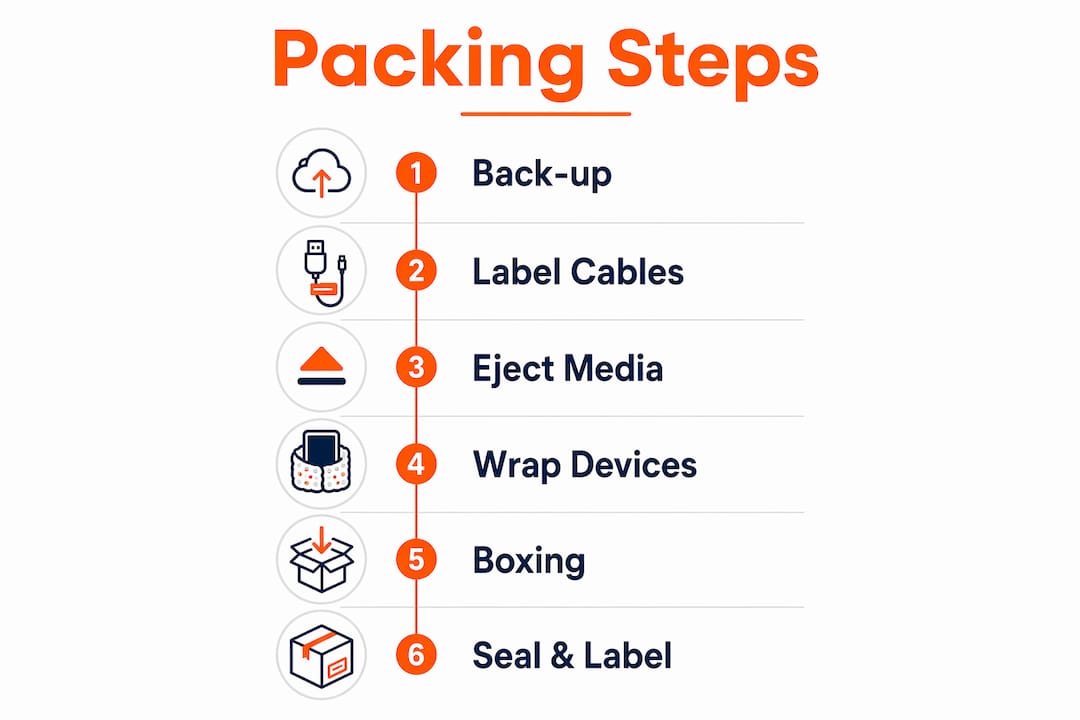
Pro Tip: Transport flat-screen TVs upright at all times. Laying a TV flat places uneven pressure on the LCD or OLED panel and can cause permanent black-line damage that transit insurance typically does not cover.
How do you protect electronics during transport?
Physical protection starts before the box goes on the van. The right materials make the difference between a device that arrives intact and one that does not.
- Use original packaging wherever possible. Manufacturer boxes are engineered to the exact weight and fragility profile of each device, with custom foam inserts that generic boxes cannot replicate.
- Choose anti-static bubble wrap for computers, motherboards, and consoles. Standard bubble wrap can carry a static charge that damages sensitive components. Newspaper is equally problematic: its acidic ink can permanently blemish display surfaces.
- Secure boxes inside the vehicle. Use straps or ropes to stop boxes shifting during transit. Load heavier boxes on the bottom, keep electronics upright, and never stack heavy items on top of device boxes.
- Load electronics last onto the removal van so they sit on top of the load, away from the high-vibration zone near the doors.
For guidance on packing fragile items beyond electronics, the same principles of individual wrapping and void-filling apply across most household valuables.
Common mistakes when packing electronics for moving
Knowing what goes wrong is as useful as knowing what to do right. These are the errors that cause the most damage:
- Leaving batteries inside devices. Alkaline batteries can leak during storage or transit, causing irreparable corrosion to battery contacts and internal components.
- Overpacking boxes. A bulging box loses structural integrity and is far more likely to fail under the weight of other items stacked on top.
- Skipping labels. Unlabelled boxes get handled carelessly and often end up in the wrong room, adding hours to your setup time.
- Transporting TVs flat. This is one of the most common and costly mistakes in any house move.
- Not backing up data. Hard drives can sustain internal damage from physical shock alone. A backup takes an hour; recovering lost data can take weeks, if it is possible at all.
- Mixing cables without labelling them. Tangled, unlabelled cables cause setup headaches and can result in accessories being lost entirely.
What boxes and packing materials do you actually need?
The quality of your boxes matters as much as the wrapping around each device. Single-walled boxes are not adequate for electronics. Use double-walled or triple-ply cardboard boxes, sized so each device fits with adequate clearance on all sides. Avoid the temptation to put two devices in one box to save space; devices knocking against each other in transit is a reliable way to crack screens and snap connectors.
Your core materials list: double-walled cardboard boxes in multiple sizes, anti-static bubble wrap, acid-free packing tissue for screens, foam padding or packing materials for void fill, strong packing tape, resealable plastic bags for cables and batteries, and a marker pen. Understanding why packing quality matters is the foundation of any damage-free move.
How should you pack smaller electronics and accessories?
Smaller devices are more likely to be misplaced than broken, but that does not mean they need less care. Phones, tablets, e-readers, smartwatches, and smart speakers should each go into their own padded compartment or small box, individually wrapped in anti-static bubble wrap. Label each box with the device name and its destination room.
Cables, chargers, and remote controls belong in labelled resealable bags, one bag per device. Secure each cable with a cable tie or elastic band before bagging it. Pack remote controls with the device they belong to, batteries removed. For fragile packing services that handle small electronics professionally, specialist providers offer an alternative if you would rather not pack these items yourself.
How do temperature and moisture affect electronics during a move?
Electronics are more vulnerable to environmental conditions than most people realise. Condensation forms when a cold device is moved into a warm environment, and moisture inside a circuit board causes short circuits. If your move involves a long journey or storage, keep electronics away from the van’s loading doors where temperature fluctuates most. For any period of storage, choose a climate-controlled facility rather than a standard self-storage unit.
Silica gel packets placed inside boxes absorb residual moisture and cost very little. If you are moving in winter, allow devices to acclimatise at room temperature for at least two hours before powering them on.
How do you pack televisions, computers, and audio equipment?
Televisions travel upright, always. Wrap the screen in two layers of acid-free tissue, then two layers of anti-static bubble wrap, then add corner-board protection on all four corners. Place in a purpose-made TV moving box or the original box, and fill all remaining space with foam. Mark the box “TV — FRAGILE — THIS SIDE UP” on three sides.
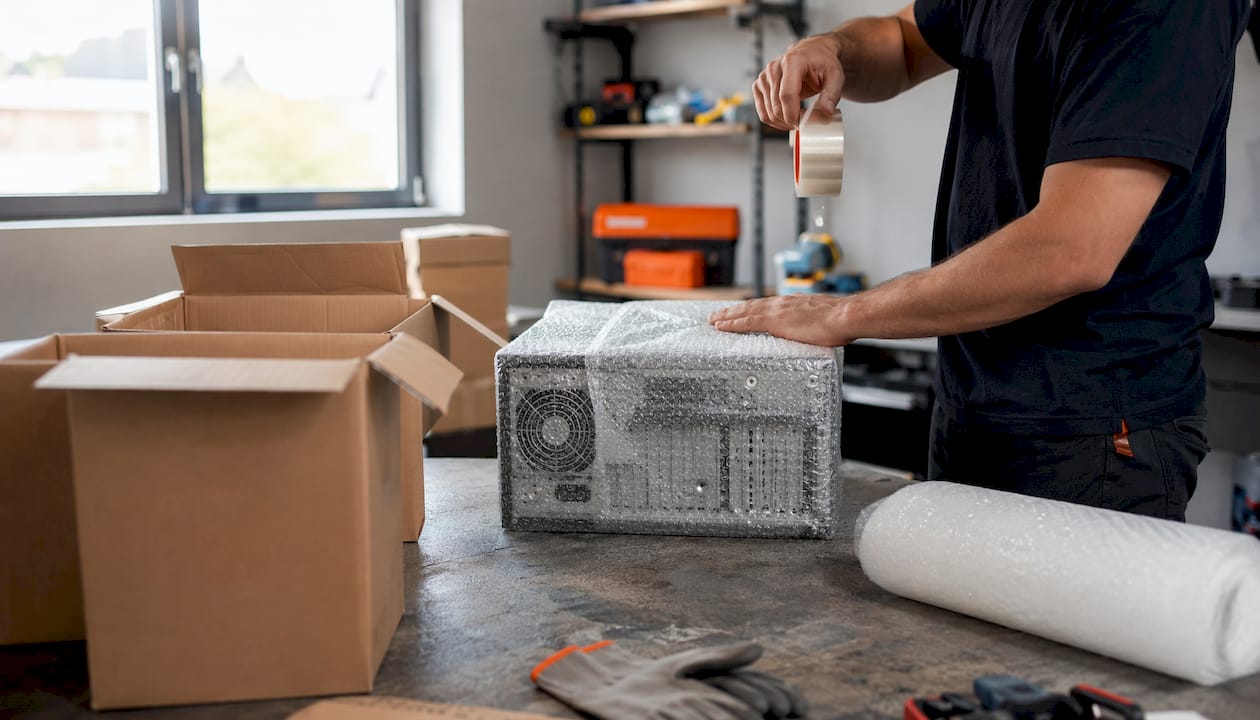
Desktop computers need anti-static bubble wrap around the tower, placed in a double-walled box with at least 10cm of padding on all six sides. Remove any large, heavy graphics cards and pack them separately in anti-static bags if the journey is long or over rough roads. Back up all data first, as covered earlier.
Audio equipment varies widely in fragility. Turntables are the most delicate: lock the tonearm with its supplied clip, separate the platter from the motor spindle, and always use the original box. Amplifiers and CD players need substantial cavity fill. Pack speakers individually with the cone facing upward, never face-down.
Should you transport electronics in your car or the removal van?
For high-value portable electronics, your personal vehicle is the better option. Laptops, cameras, tablets, and gaming consoles travel more safely in the car because it offers better temperature control, less vibration, and no risk of other items being loaded against them. Items too large for the car, such as desktop computers, monitors, and televisions, go on the van, loaded last and secured with straps.
If you are using a professional removal service, ask directly whether electronics will be secured separately and whether the van is climate-controlled for longer journeys.
Do you need specialist insurance for electronics during a move?
Standard Goods in Transit cover, which reputable removal companies carry, covers electronics up to per-item limits set in the contract. For most household moves, this is adequate. However, for high-value items such as professional camera bodies, cinema systems, or high-end audio gear worth over £2,500 per item, declare them specifically at the booking stage. Items valued above £10,000 typically require a separate specialist policy. Photograph each high-value device from multiple angles before packing, capturing serial numbers, as this documentation is essential if you need to make a claim.
Metrocitymoves takes the stress out of moving day
Packing your own electronics carefully is entirely achievable, but if you would rather hand the job to people who do it every day, Metrocitymoves offers a fully managed packing service in London that covers electronics alongside everything else in your home. The team uses professional-grade materials including anti-static wrap and double-walled cartons, and every item is packed, labelled, and loaded by experienced removal staff who know exactly how fragile a flat-screen or a desktop computer can be.

Metrocitymoves has served all 32 London boroughs since 2010, with Goods in Transit cover included as standard. Whether you are booking a house removal or need packing only, get a free quote today and let the team handle the details.
Key takeaways
Safely packing electronics for moving requires anti-static materials, proper box sizing with at least 10cm of padding clearance, and a 3-2-1 data backup before any device is disconnected.
| Point | Details |
|---|---|
| Remove batteries first | Battery leakage causes irreparable damage; always remove batteries before packing any device. |
| Use anti-static wrap | Standard bubble wrap carries static charge that can destroy sensitive components; anti-static wrap is essential. |
| Back up data with 3-2-1 | Keep three copies of data, on two media types, with one copy off-site before packing any digital device. |
| TVs travel upright only | Laying a flat-screen TV flat causes uneven pressure on the panel, leading to permanent damage. |
| Metrocitymoves packs for you | Professional packing service covering all 32 London boroughs, with Goods in Transit cover included as standard. |
FAQ
How do you pack electronics for moving?
Remove all batteries, back up data using the 3-2-1 rule, photograph cable connections, wrap each device in anti-static bubble wrap, and box with at least 10cm of padding on all sides. Label every box “FRAGILE — THIS SIDE UP.”
How far in advance should you start packing before moving house?
Start packing non-essential electronics two to three weeks before your move date, leaving daily-use devices until the final day or two.
How do you pack electronic devices to prevent static damage?
Use anti-static bubble wrap or anti-static bags rather than standard bubble wrap, which can carry a static charge that damages circuit boards and sensitive components.
What is the best way to pack things for moving?
Use double-walled boxes sized to each item, wrap fragile devices individually, fill all void space so nothing shifts, and label every box with its contents and handling instructions.
Recommended
- How packing services work: a complete guide for movers | Metro City Moves
- How to move boxes without a removal firm: a full guide | Metro City Moves
- Moving House Checklist 2026 — Complete Week-by-Week Guide | Metro City Moves | Metro City Moves
- How to store furniture between moves: a practical guide | Metro City Moves